Send the details
Provide the site address, dig dates, locate ticket number, requester role, and contact information.

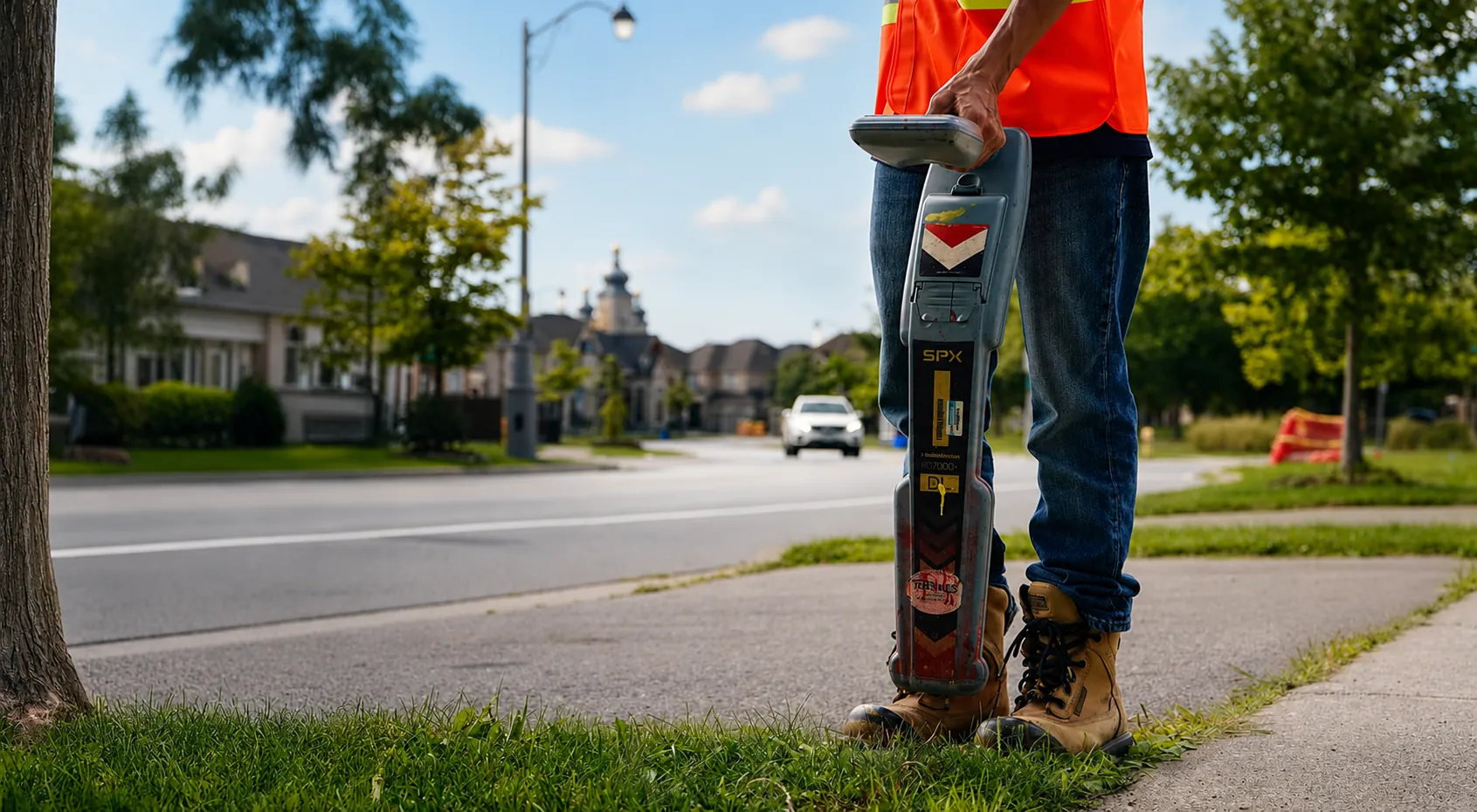
Request a Locate
Tell CLI where you are digging and we will route the locate request before ground is broken. The locate helps avoid strikes, fines, failed inspections, and downtime.
How it works
Provide the project details, confirm routing, receive the field work, and keep the ticket record with the job.
Provide the site address, dig dates, locate ticket number, requester role, and contact information.
CLI reviews the region, season, and request details and confirms the appropriate path.
A trained technician locates and marks the underground utilities in the assigned scope.
Retain the ticket and field record with the excavation file.
Locate request
Submit the request and CLI will confirm routing and timing with you. For urgent or emergency locates, call 1-876-282-0079 directly.
Regional routing
Completion timing depends on the region, the contract, and the request. Confirm the expectation when CLI routes the request.
Submit the project address and the dig dates for the Ontario routing.
Call to confirm the schedule for the planned work.
Call with the project address and the dig dates to confirm the BC routing.
Use the external Ticket Status portal. A ticket-status check is separate from a new locate request.
Need live routing
CLI will confirm the right path for Ontario, Alberta, or British Columbia based on the request and operating season.